When someone finds your customer experience, you have one chance to gather the information you need to serve them well. Ask too much, and they bounce. Ask too little, and you spend hours manually organizing customers or sending everyone to the same space regardless of their interests, access level, or background. Most platforms force you to choose between a simple, inflexible form or building complex workflows yourself.
You need a way to ask the right questions for your specific audience and have people land exactly where they belong without lifting a finger.
Build Forms That Work for Your Customer Journey
Coralbeat's custom signup forms put you in control of customer intake and routing. Rather than settling for basic name and email fields, you design forms that capture the information that actually matters to your business: professional background, experience level, interests, location, preferences, or any data point that helps you understand and serve each audience better.
Whether you run a professional network that needs company details, a local community that requires location information, or an educational platform tracking skill levels, you can build the exact intake experience you need.
One Primary Form, Unlimited Custom Forms
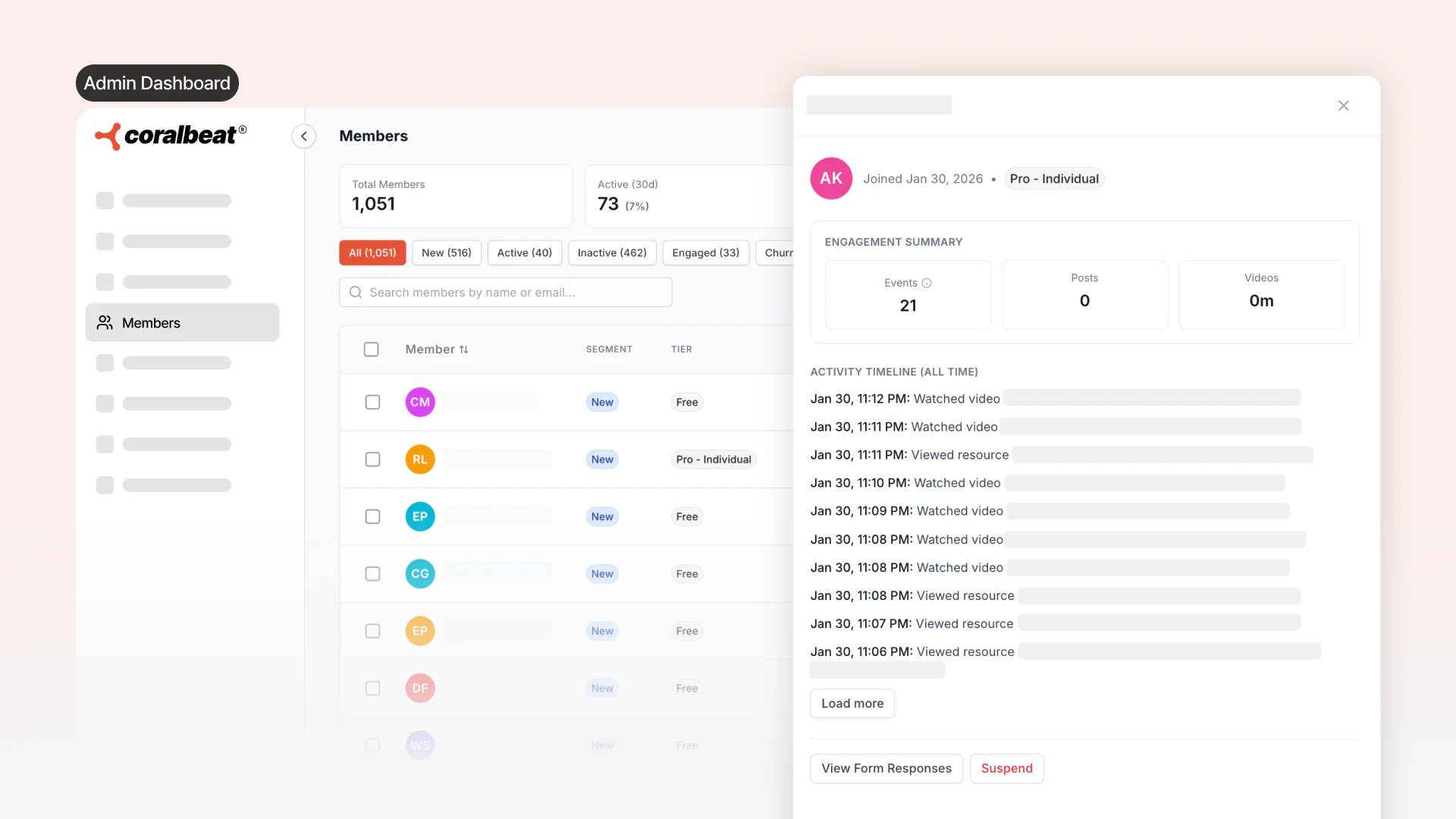
Every Coralbeat customer experience has one primary signup form at your main signup link. This is where most people join, and their submissions appear in your Members page where you can review and approve them.
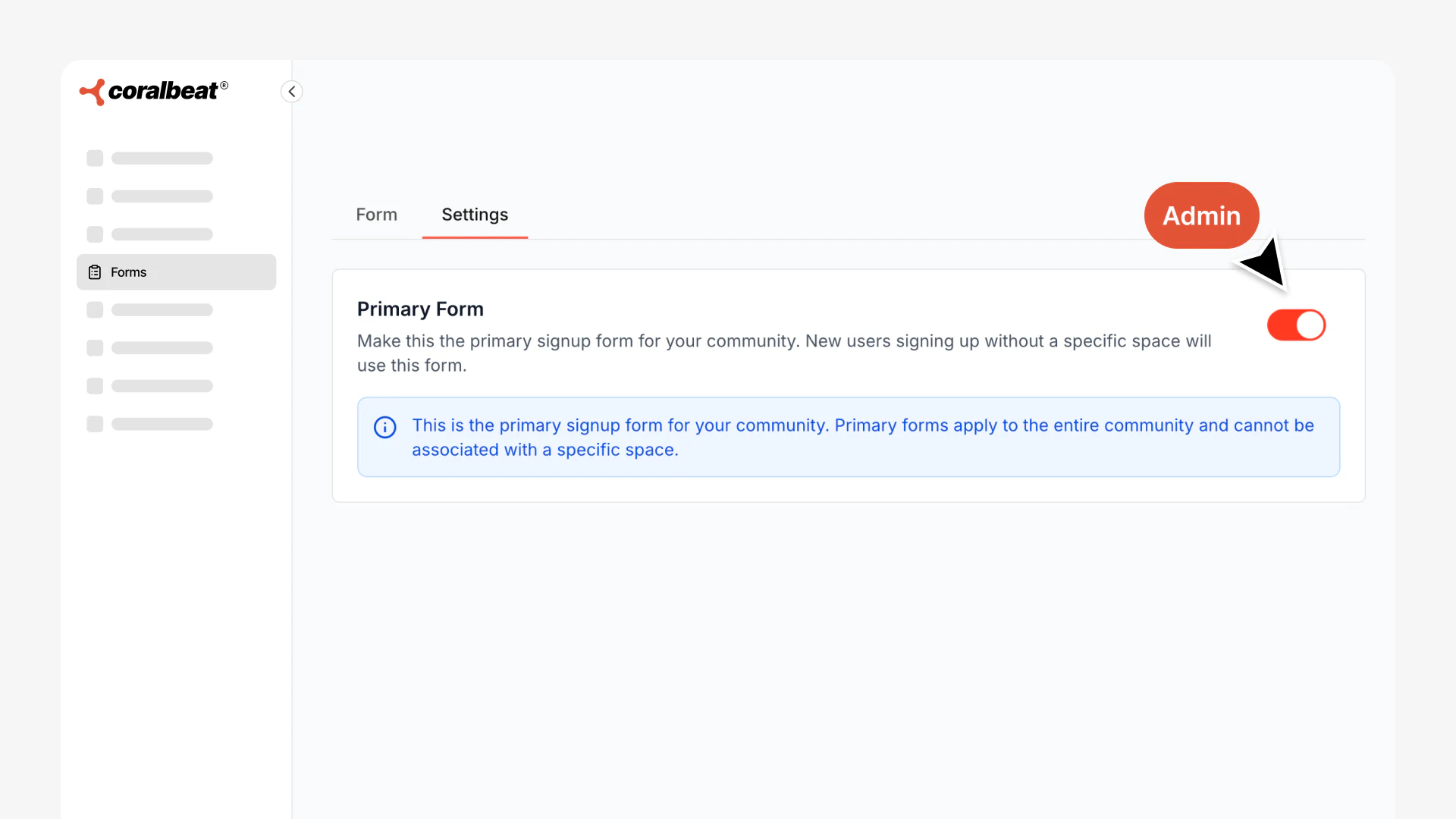
Beyond your primary form, create space-specific forms for different audience segments. Each form can have entirely different fields and route members to specific spaces automatically.
For a tech/business community:
- "Professional Network" form collects company and role details, routes to your professional space
- "Startup Founder" form asks about venture stage and routes to founder community
- "Service Provider" form routes consultants to partner space
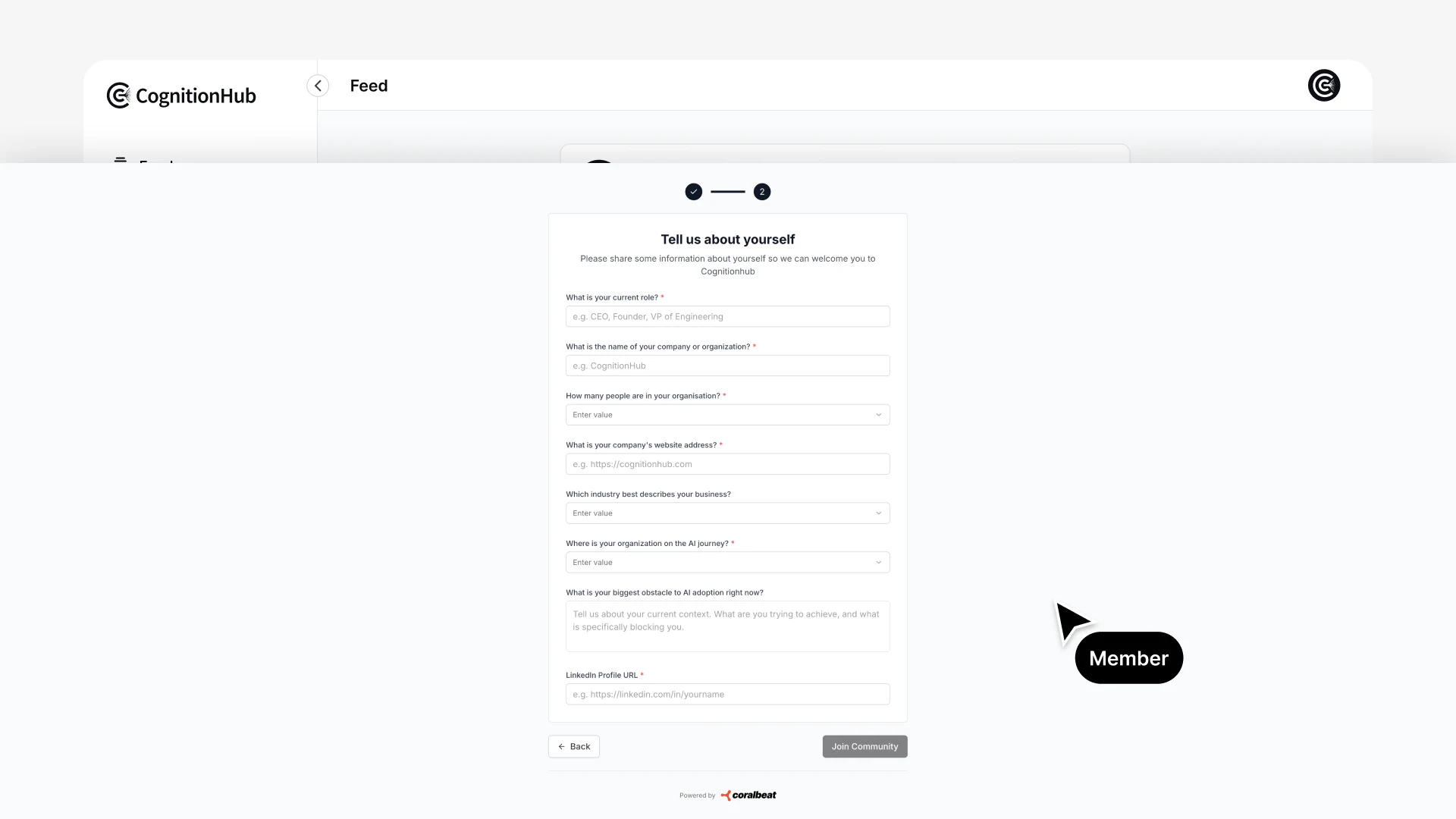
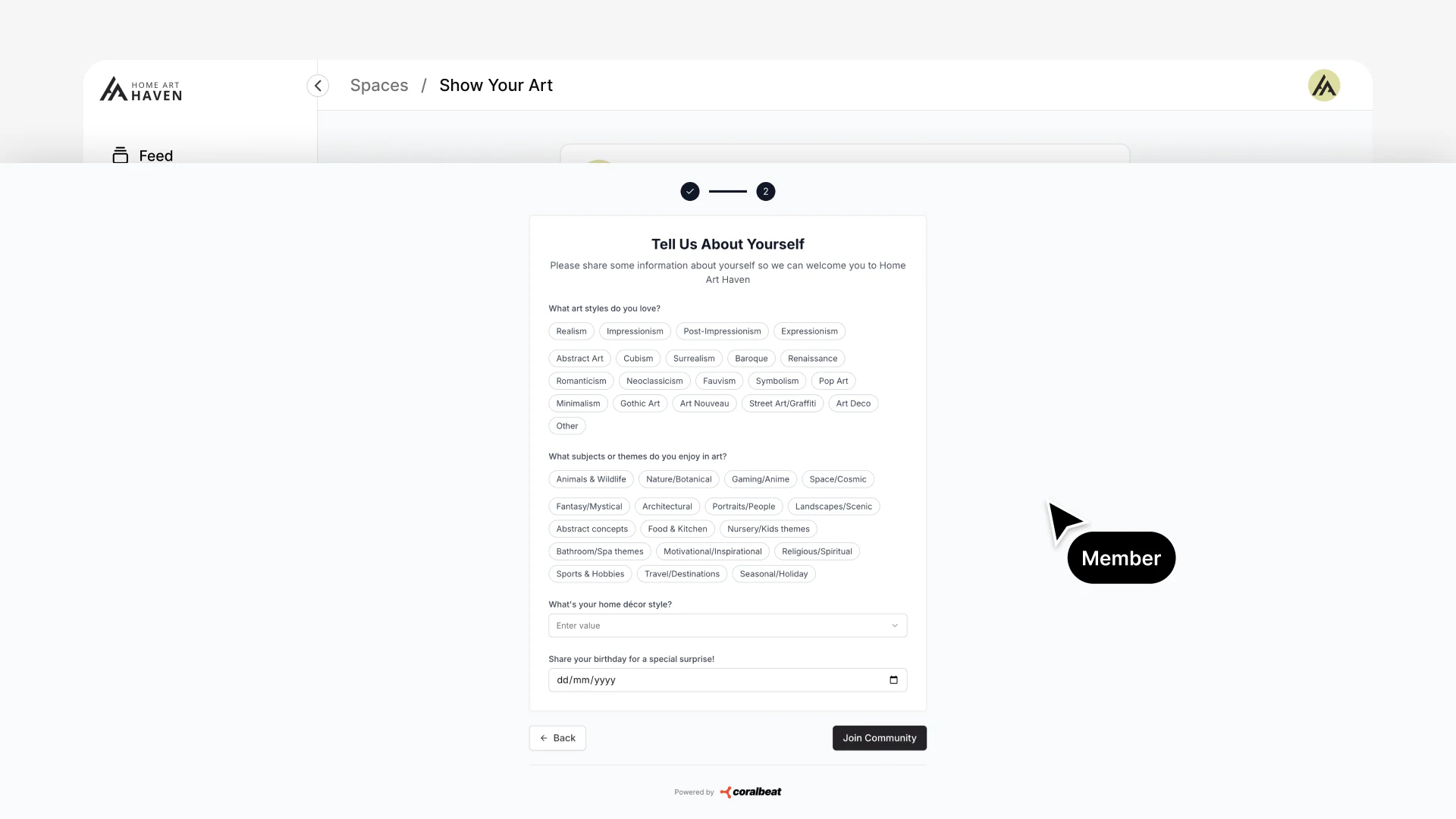
For an e-commerce brand:
- "VIP Member" form collects style preferences and routes to exclusive space with early product access
- "Design Help" form asks about room and budget, routes to design consultation space
- "Show Your Art" form for customers sharing their decorated spaces
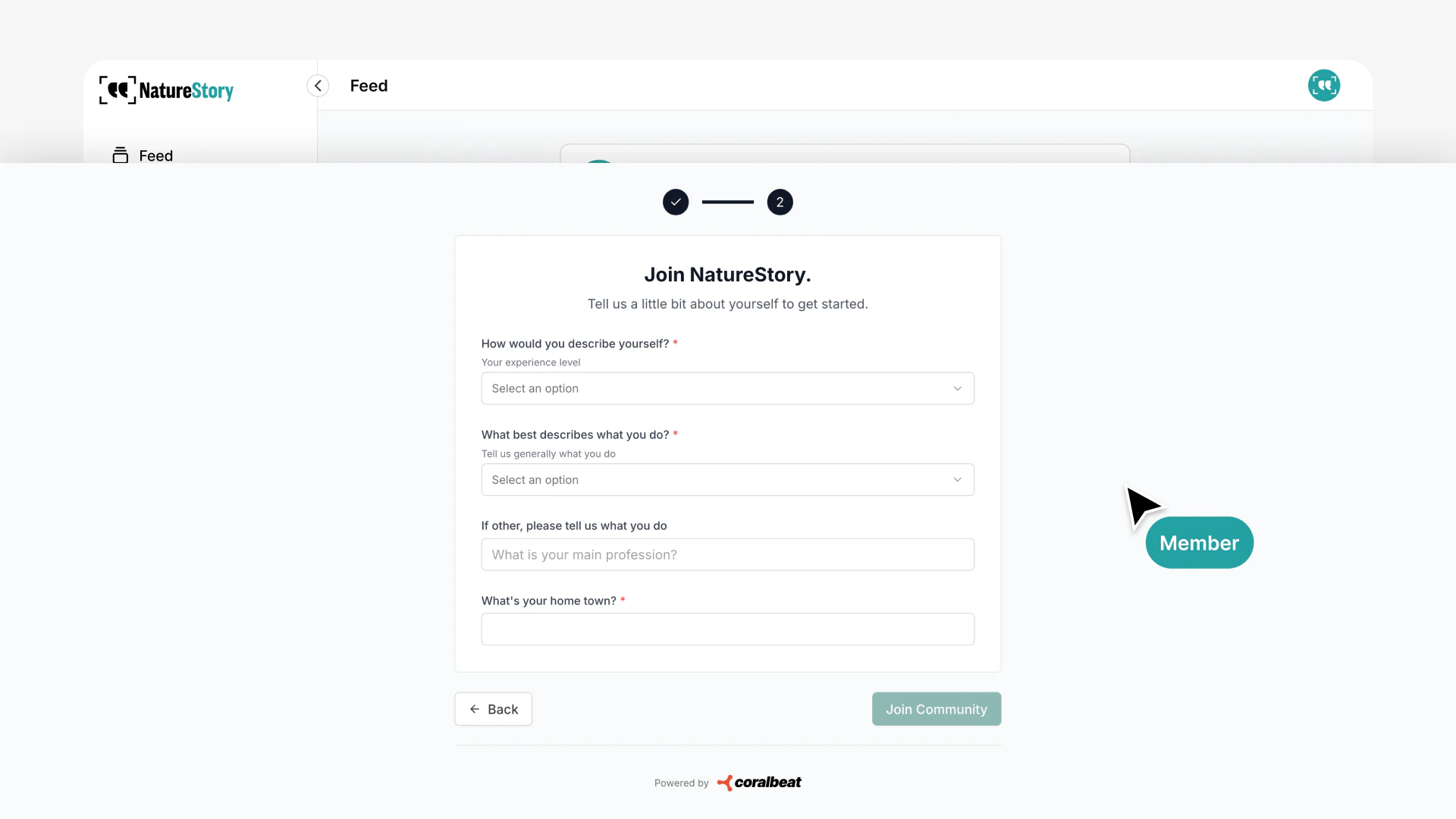
For a nonprofit organization:
- "Volunteer Application" form collects availability and skills, routes to volunteer coordination space
- "Conservation Partner" form routes organizations to partner collaboration space
- "Supporter Sign-up" form routes donors to impact updates space
Each space-specific form submission appears on that space's detail page, making it simple to review applications for each customer area. No more digging through a single list trying to figure out who belongs where.
Form Editor
Choose from a complete set of field types to build the exact form you need:
- Text & Textarea: Short answers or longer responses for open-ended questions
- Contact Fields: Email and phone number with built-in validation
- Numbers & Dates: Capture numeric values or calendar dates with proper formatting
- Dropdowns: Single-select from a predefined list of options
- Multi-select: Let people choose multiple options from your list
- Checkboxes: Yes/no questions, agreements, or multiple independent choices
- Radio Buttons: Single-choice selections where all options are visible
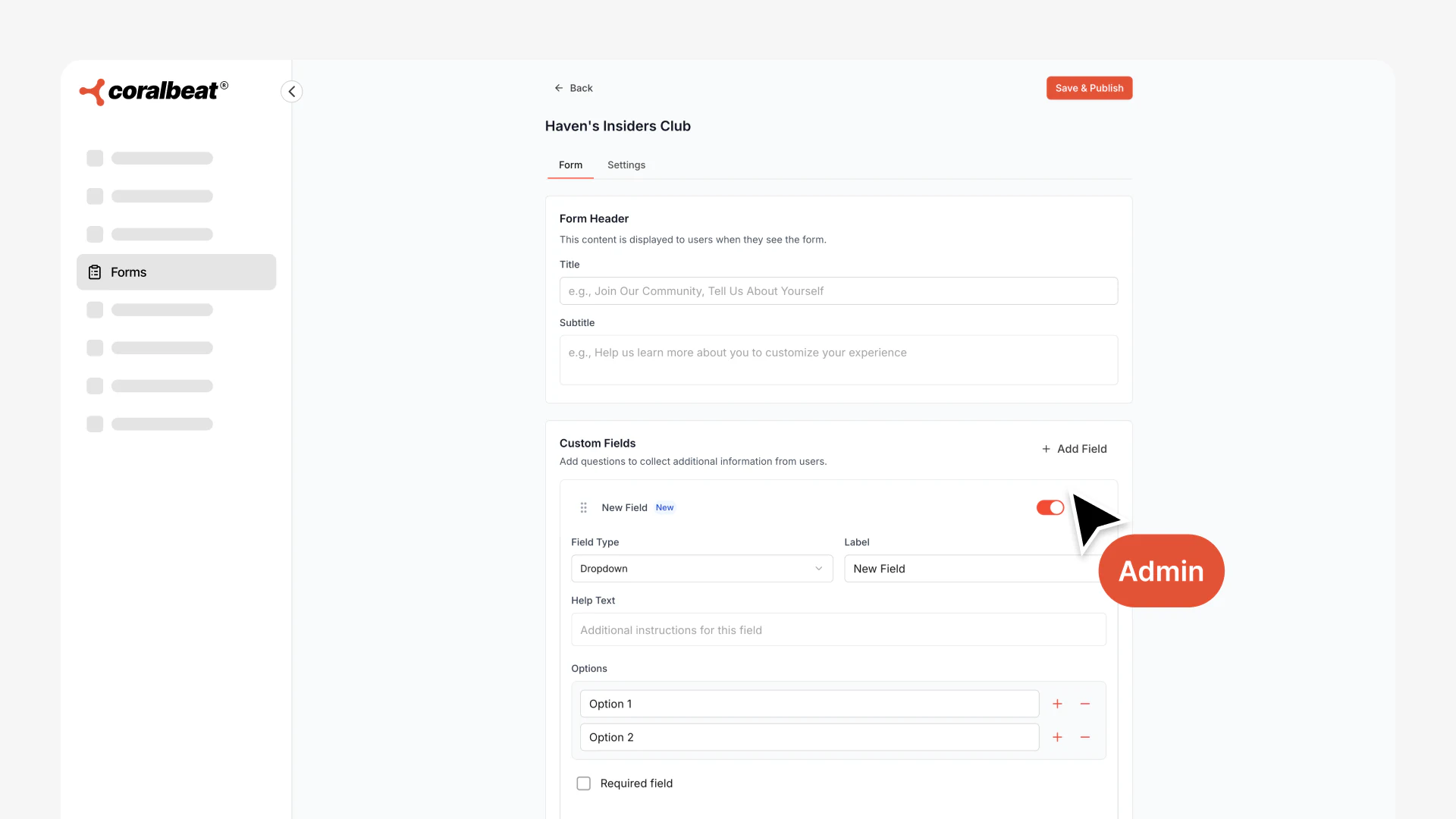
Mark any field as required or optional, add placeholder text to show examples, and include help descriptions to guide people through your questions. Every field adapts to work seamlessly on desktop and mobile, so your forms look professional everywhere.
Automatic Routing with Landing Pages and Spaces
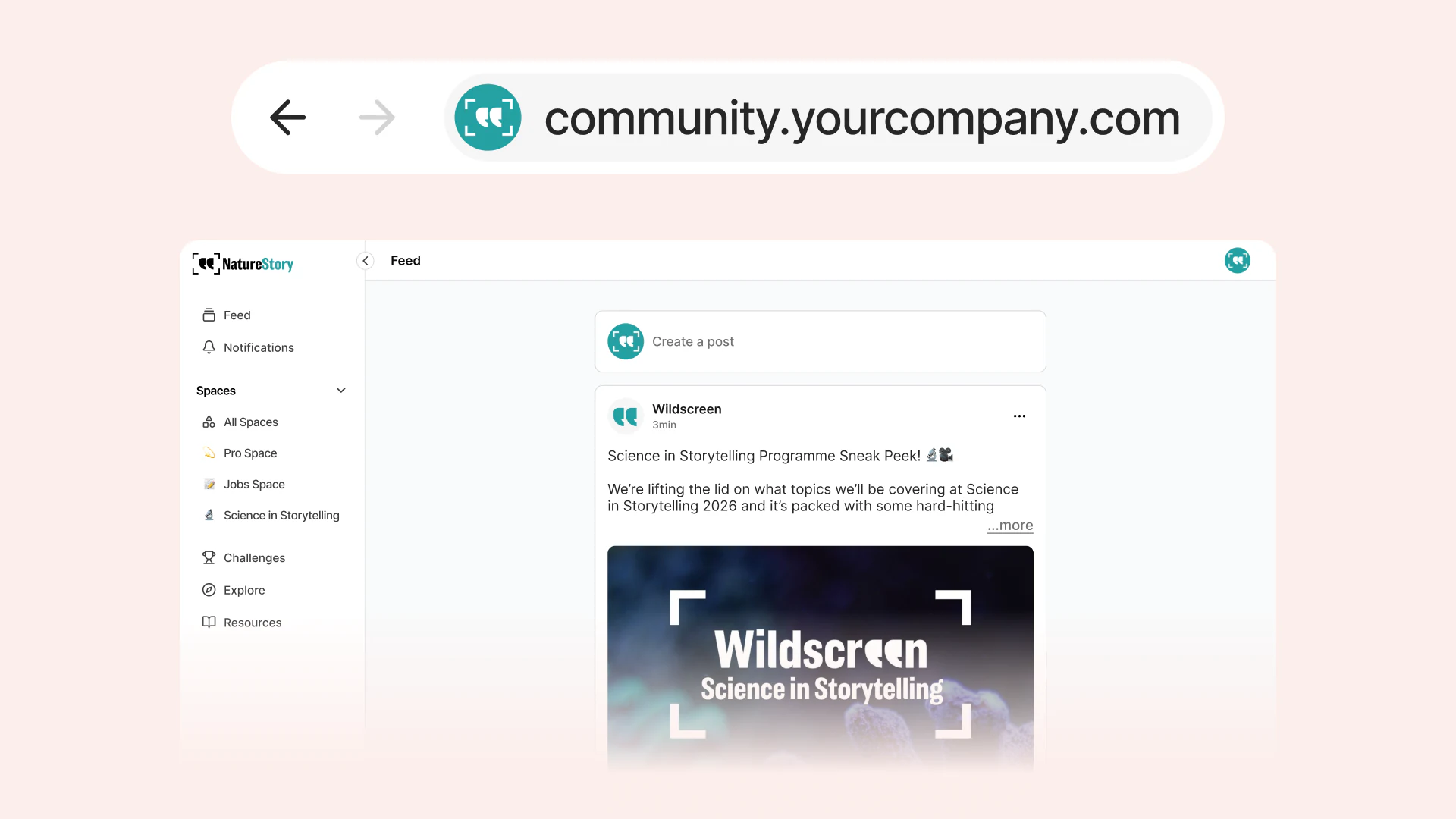
Custom signup forms work seamlessly with your custom pages and spaces to create complete customer intake paths. The moment someone completes a signup form, they are automatically added to the right destination with the proper access and permissions. No manual sorting. No spreadsheets. No copying and pasting customer information from one place to another.
Create multiple landing pages targeting different audiences, each linking to a specific signup form that routes to the appropriate space:
For content creators:
- "Course Launch" landing page links to "Student Application" form, routes to student-only space with course materials
- "Free Access" landing page links to "General Membership" form, routes to the main space with limited access
For DTC brands:
- "VIP Access" landing page links to "VIP Member" form, routes to exclusive space with early product releases
- "Design Consultation" landing page links to "Match My Room" form, routes to design help space
- "Customer Gallery" landing page links to "Show Your Art" form, routes to UGC showcase space
For nonprofits:
- "Volunteer Sign-up" landing page links to "Volunteer Application" form, routes to coordination space with shifts and updates
- "Become a Supporter" landing page links to "Donor Sign-up" form, routes to impact updates space
- "Partner with Us" landing page links to "Organization Partnership" form, routes to collaboration space
The automation means your customer experience stays organized from day one. Each page creates a tailored entry point, each form captures the right information, and every person immediately sees the content and discussions relevant to them. Customers never see a generic experience regardless of how they found you.
Build, Preview, and Manage in Your Dashboard
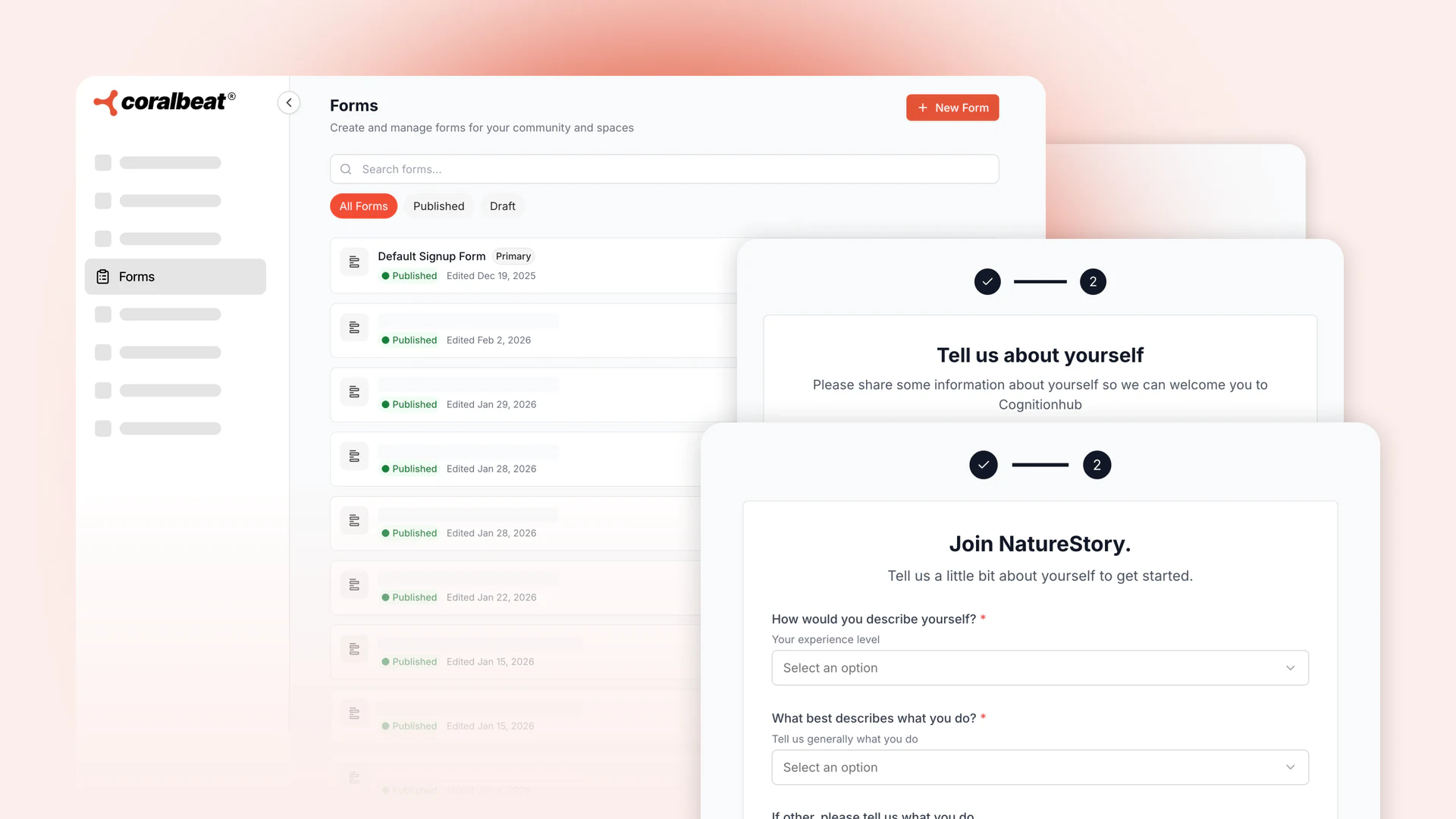
Access all your signup forms from Settings → Forms in your Admin Dashboard. The interface gives you everything you need to create professional forms without any technical knowledge.
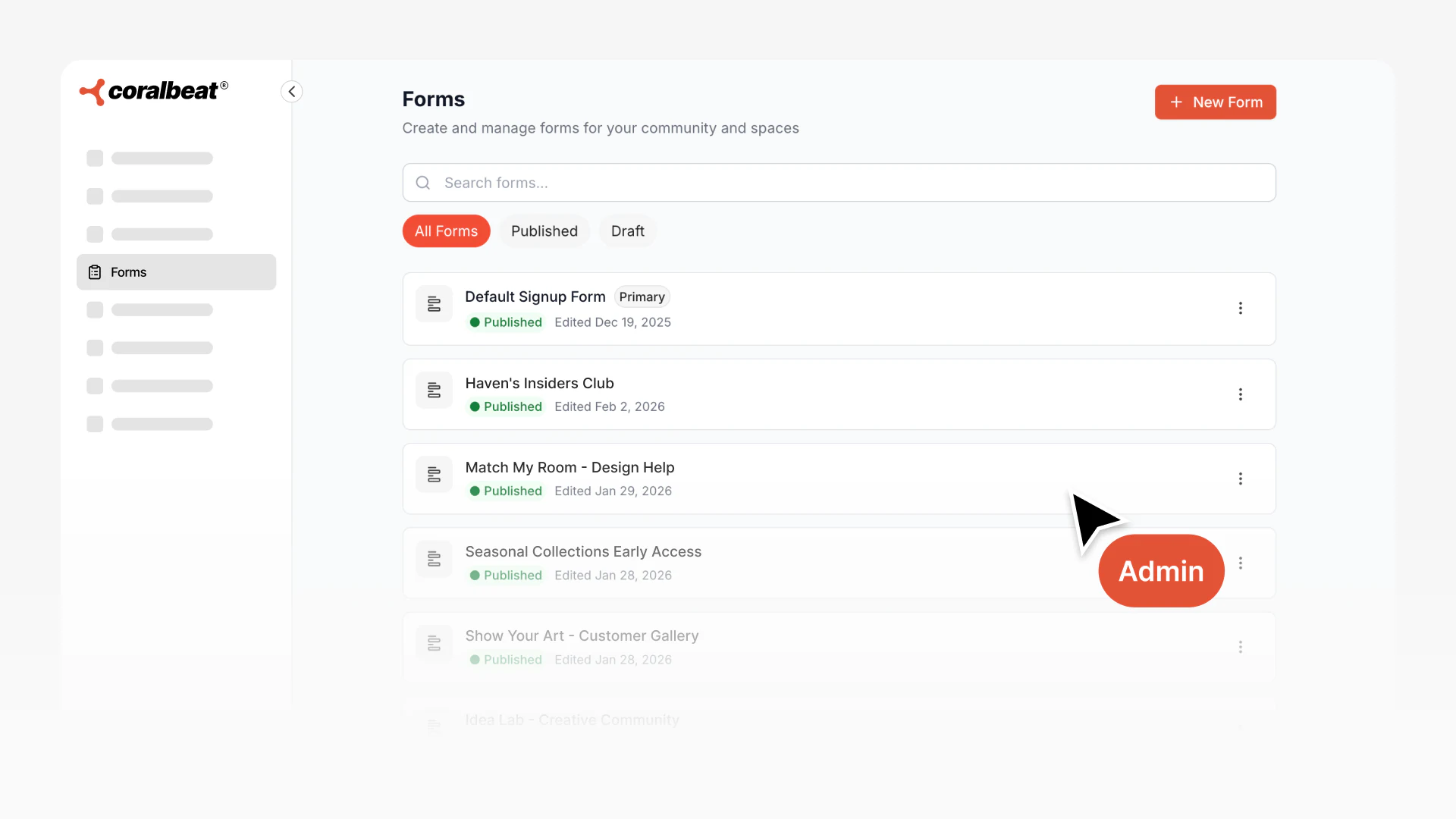
Key capabilities:
- Create multiple forms for different entry points and audience segments
- Duplicate existing forms to quickly create variations without starting from scratch
- Edit anytime to update fields, change routing, or adjust questions as your audience evolves
- Review form responses from your Members page (primary form) or space detail pages (space-specific forms)
Draft forms stay private until you're ready to publish. Once live, you can edit forms at any time. Existing submissions remain unchanged, and new submissions use your updated form.
Start with Simple, Scale When Ready
Launch with a straightforward primary form collecting basic customer information. As your audience grows and you identify different segments, add space-specific forms to create tailored experiences.
The flexibility means you are never locked into a rigid intake process. Adjust your forms as you learn what information matters most and how to best serve each customer segment. Your signup forms evolve with your business.