Coralbeat Business
    Home
    Business
    A customer platform for recurring revenue.
    Enterprise
    More control, scale, and support.
    AI Team
    Quinn
    Workflow Designer
    Zoe
    Brand Identity Specialist
    Liam
    Landing Page Specialist
    Sophia
    Signup Form Specialist
    Oliver
    Spaces Specialist
    Maya
    Gamification Specialist
    Ethan
    Customer Content Specialist
    Ruby
    Analytics and Insights Specialist
    View all
    PricingResources
    LoginGet Started
    Back

    Track Customer Activity with Google Analytics 4

    January 25, 2026•Coralbeat Team
    Track Customer Activity with Google Analytics 4

    We've added Google Analytics 4 integration to Coralbeat. Now you can send customer activity data directly to your own GA4 dashboard and see how people interact with your Coralbeat experience.

    How It Works

    Enter your Google Analytics Measurement ID in your Coralbeat settings to automatically start sending customer activity data to your Google Analytics dashboard. Once configured, you will have visibility into basic engagement events tracked in your Coralbeat experience.

    To disable tracking anytime, simply remove the Measurement ID.

    Getting Your GA4 Measurement ID

    Before you can connect Coralbeat, you'll need a Google Analytics 4 Measurement ID. Here's how to get it:

    Step 1: Access Google Analytics

    Go to analytics.google.com and sign in with your Google account.

    Step 2: Set Up Your GA4 Property

    If you don't have a GA4 property yet, create one first. Follow Google's guide to set up your property.

    Step 3: Get Your Measurement ID

    1. In the top-left account/property picker, confirm you're in the correct Account and Property for this customer experience

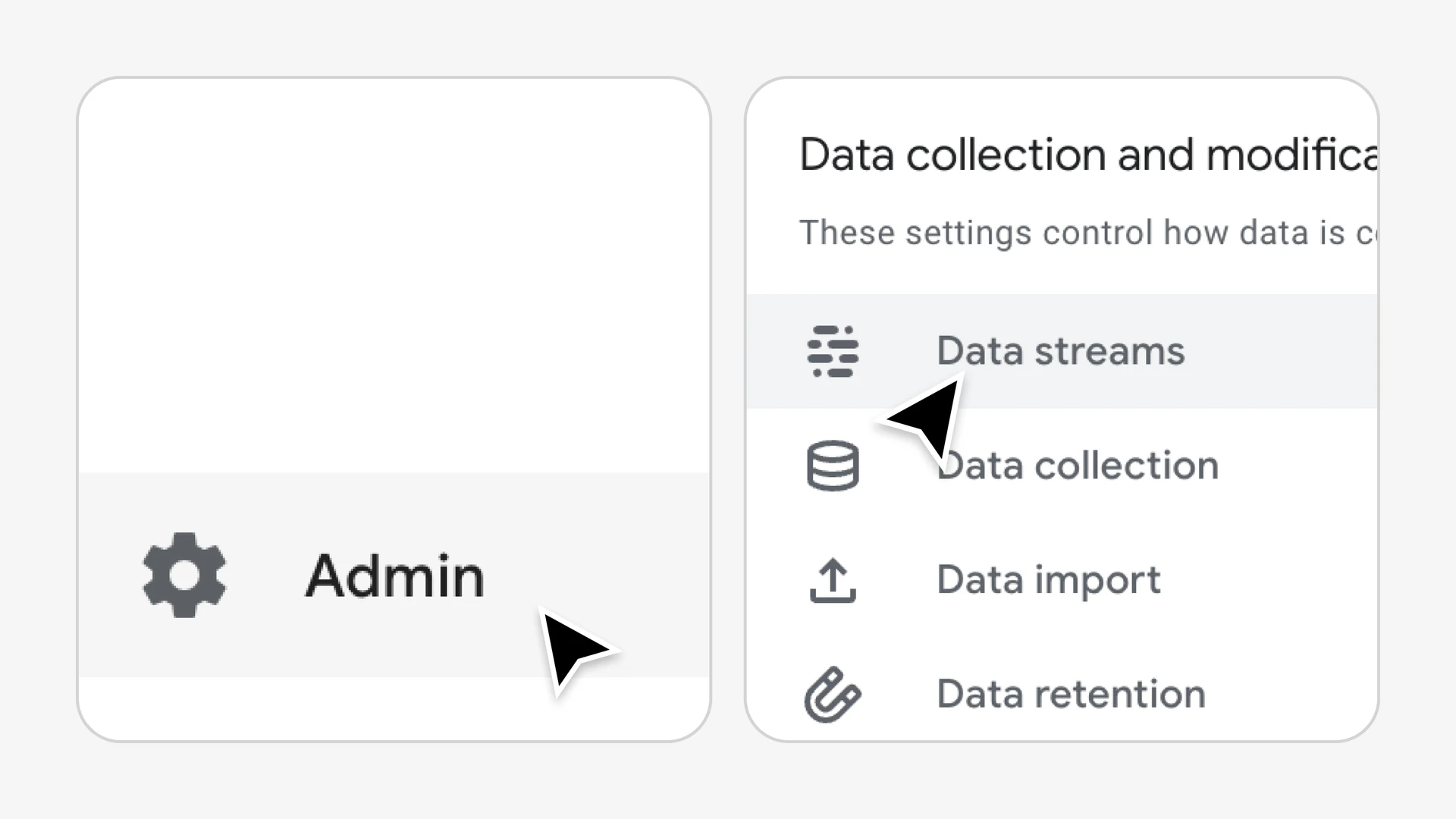
    2. Open Admin → Data streams

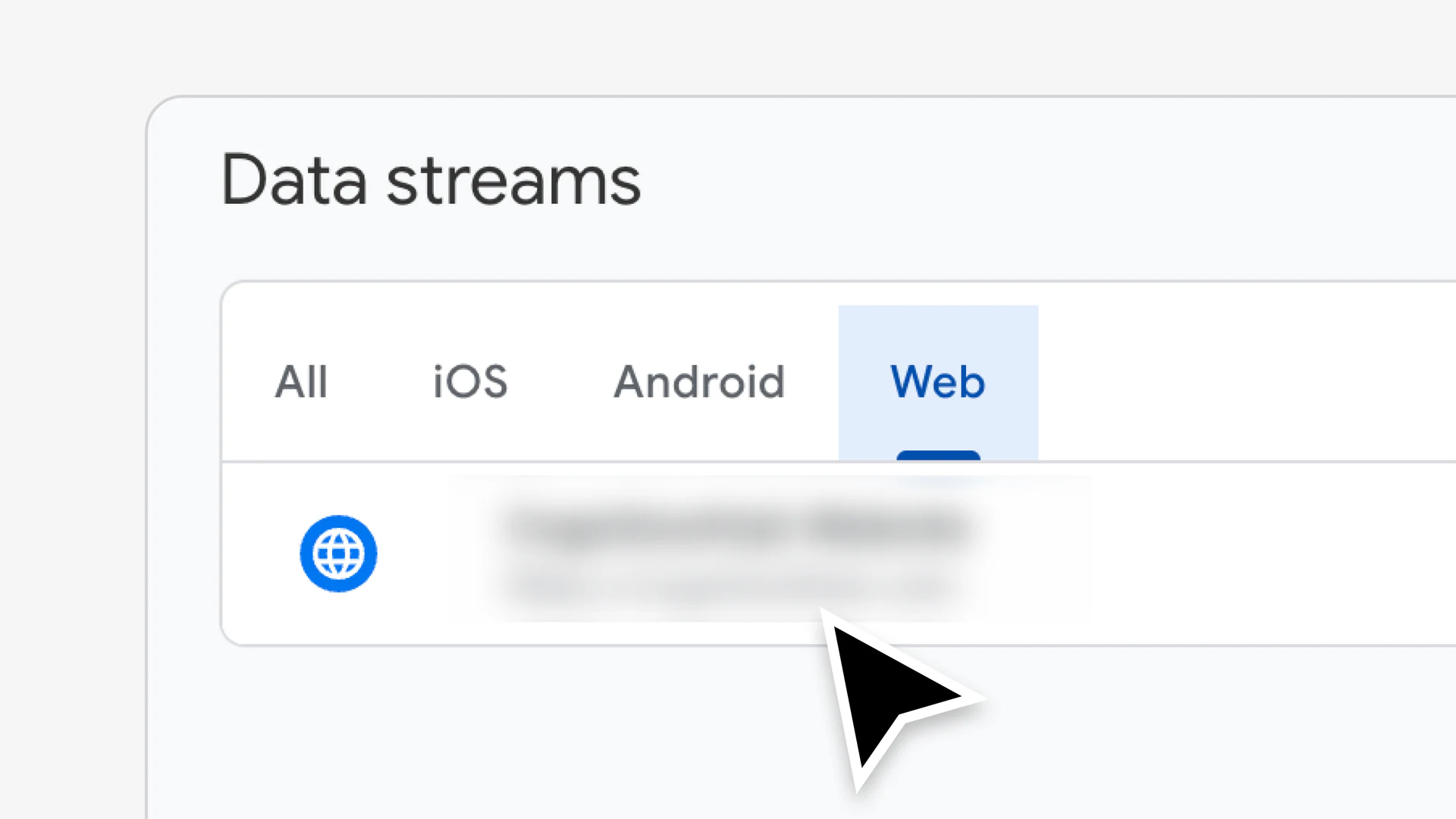
    3. Select your Web data stream

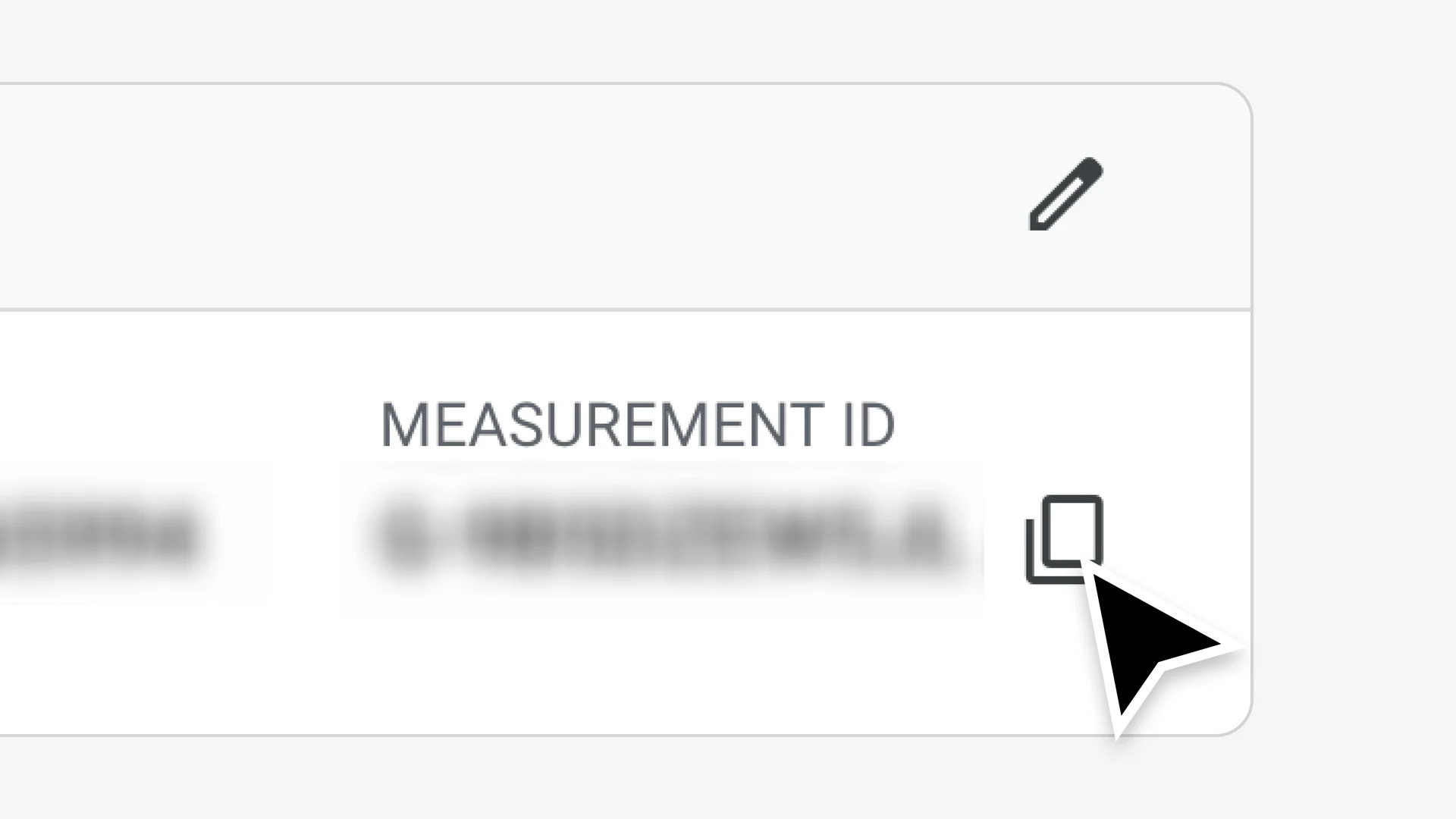
    4. Copy your Measurement ID (starts with G-)
    Configuring Coralbeat

    Once you have your Measurement ID:

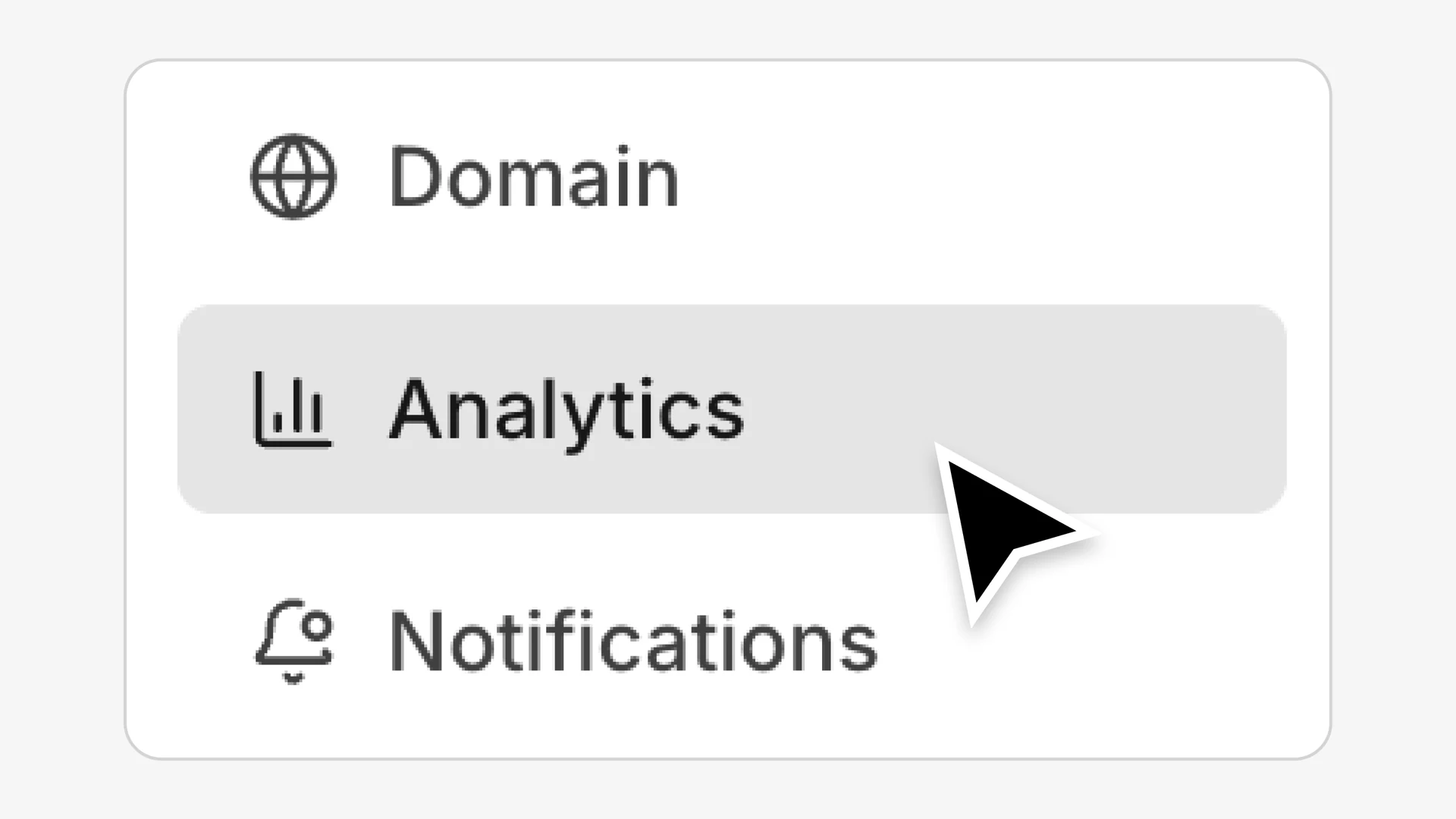
    1. Go to Settings → Analytics in your Admin Dashboard
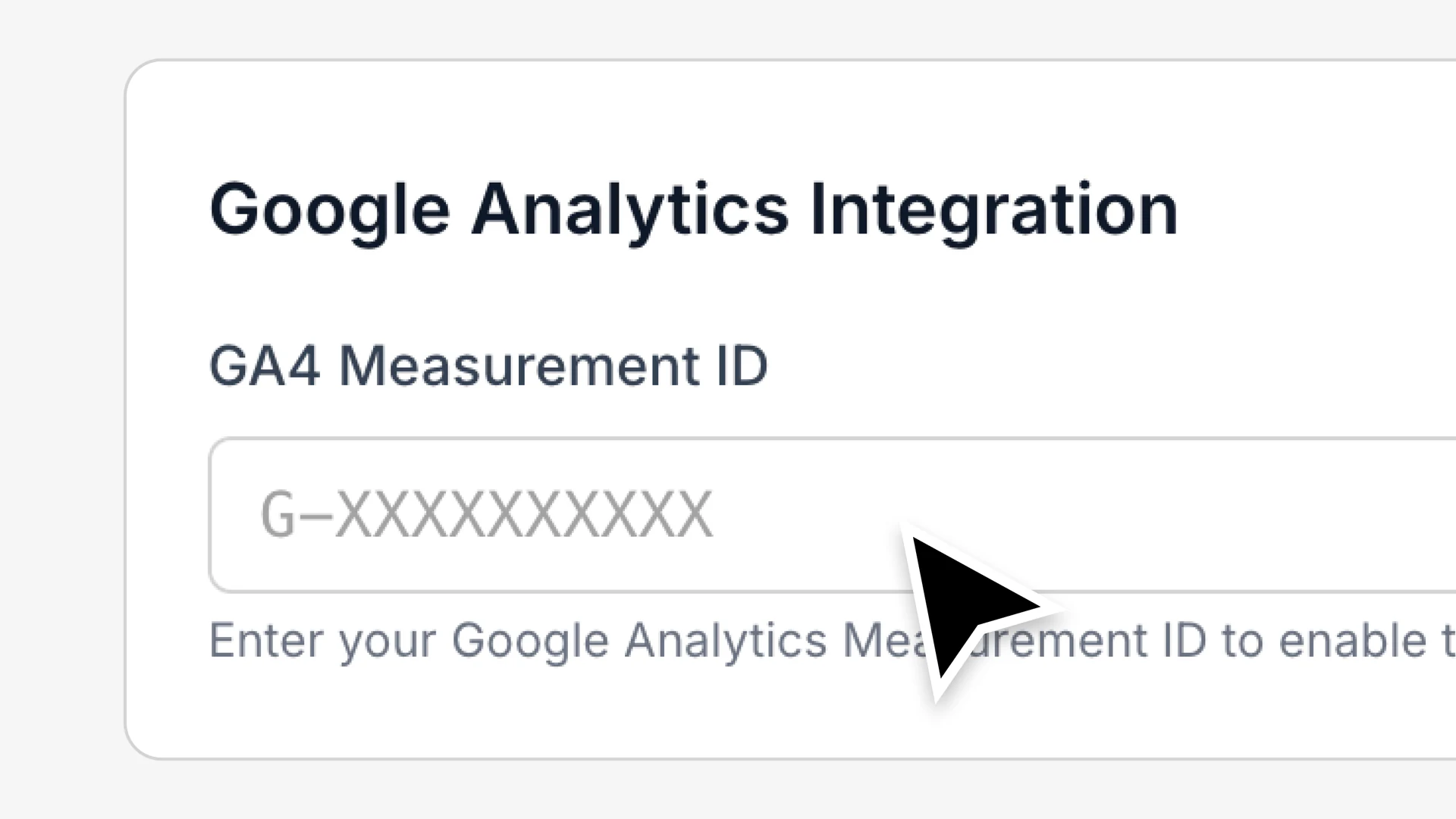
    1. Enter your GA4 Measurement ID in the field
    1. Click Save

    That's it. Coralbeat will now send customer activity data to your Google Analytics dashboard.

    Viewing Your Data

    After connecting your GA4 Measurement ID, data will start flowing to your Google Analytics dashboard. Keep in mind that it may take some time for data to appear in your reports. Check your GA4 Realtime reports first to see activity as it happens, then review standard reports after Google has processed the data.

    For detailed information about data processing times and reporting, see Google's Analytics documentation.

    Privacy Note

    If your customer experience serves users in the EU or other regions with data privacy regulations, make sure to update your privacy policy to mention Google Analytics usage and configure appropriate consent mechanisms as required by law.

    Disabling Tracking

    To turn off GA4 tracking:

    1. Go to Settings → Analytics in your Admin Dashboard
    2. Remove the Measurement ID from the field
    3. Click Save

    Tracking stops immediately. Your existing data in GA4 remains accessible.
    Build the customer experience your recurring revenue can grow around

    Bring paid access, private spaces, resources, and customer activity into one branded place.

    Get Started

    Table of Contents

    • How It Works
    • Getting Your GA4 Measurement ID
    • Configuring Coralbeat
    • Viewing Your Data
    • Privacy Note
    • Disabling Tracking

    Explore More Resources

    Customer Management & Activity Tracking

    Customer Management & Activity Tracking

    See who is active, who is drifting, and what each customer cares about without stitching together spreadsheets. Built-in customer activity signals help you focus on relationships, retention, and return moments.

    January 28, 2026
    Your Customer Platform, Your Domain

    Your Customer Platform, Your Domain

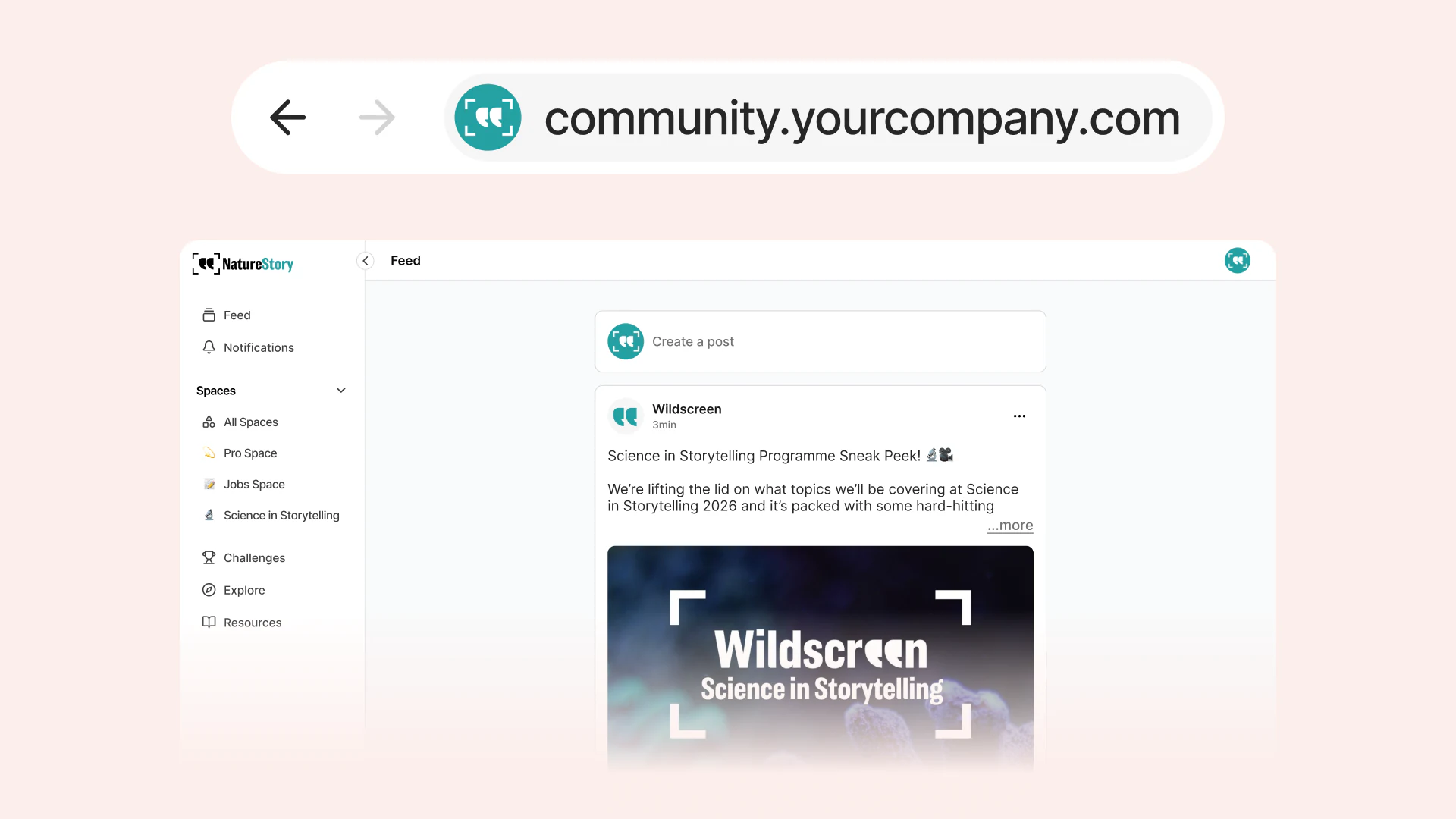
    Host your customer experience on your own domain. Customers see your brand in the URL, with SSL included and setup designed to stay simple.

    January 22, 2026
    Challenges & Engagement: Give Customers a Reason to Return

    Challenges & Engagement: Give Customers a Reason to Return

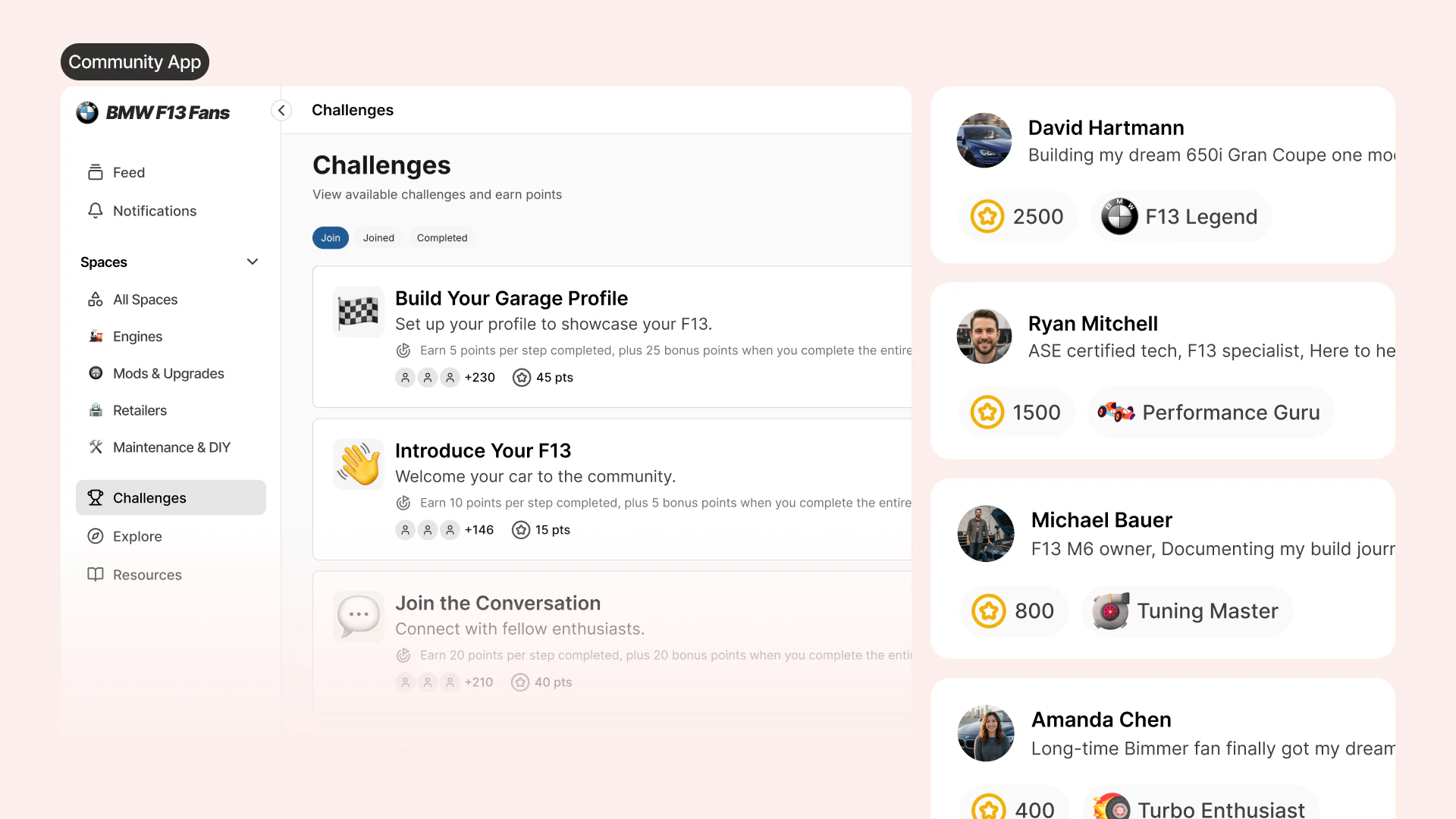
    Create guided challenges that drive meaningful actions, track progress automatically, and reward participation inside your owned customer experience.

    January 19, 2026
    Coralbeat Business

    Coralbeat

    • Home
    • Discover
    • Community Topics
    • How It Works
    • Pricing
    • Manifesto
    • Founder

    For Business

    • Home
    • Business
    • Enterprise
    • AI Team
    • Pricing
    • Resources

    Legal

    • Terms
    • Privacy

    © 2026 Coralbeat, a Cognitionhub product.

    Cognitionhub