Your Instagram followers care about different things than your email subscribers. Your course students need a different experience than your coaching clients. Your customers who bought Product A have different needs than those who bought Product B.
But many platforms force you to use one generic homepage for everyone. So you write vague messaging that tries to appeal to every audience and ends up resonating with no one. Visitors arrive unsure whether the experience is for them, and many leave before joining, subscribing, or applying.
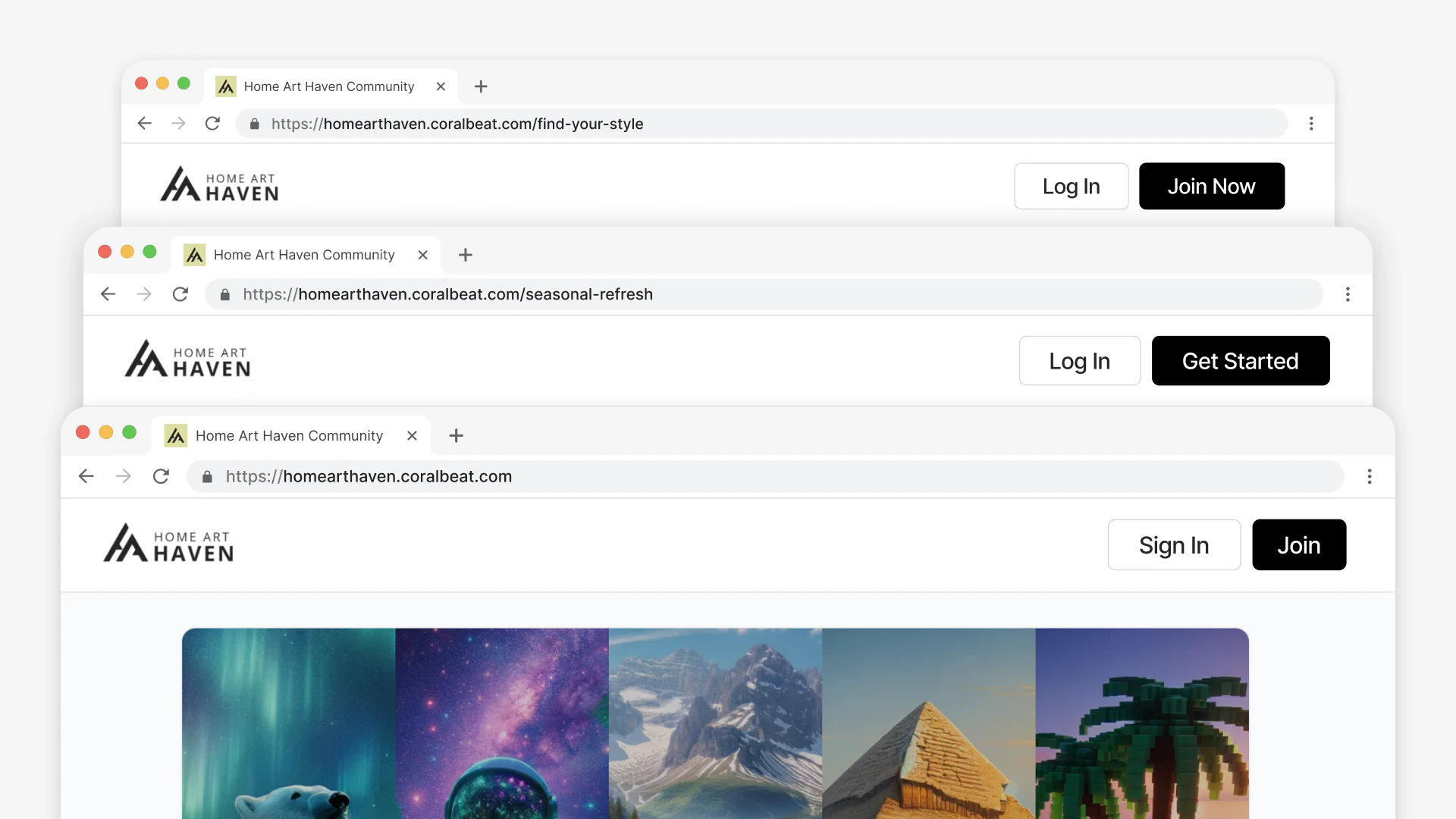
Custom Pages solve this. Create as many pages as you need, each with messaging tailored to a specific audience and each routing customers, subscribers, students, volunteers, or partners to the right form, space, or access path from day one.
What You Can Build
Each page includes components designed to answer: "Is this experience for me?"
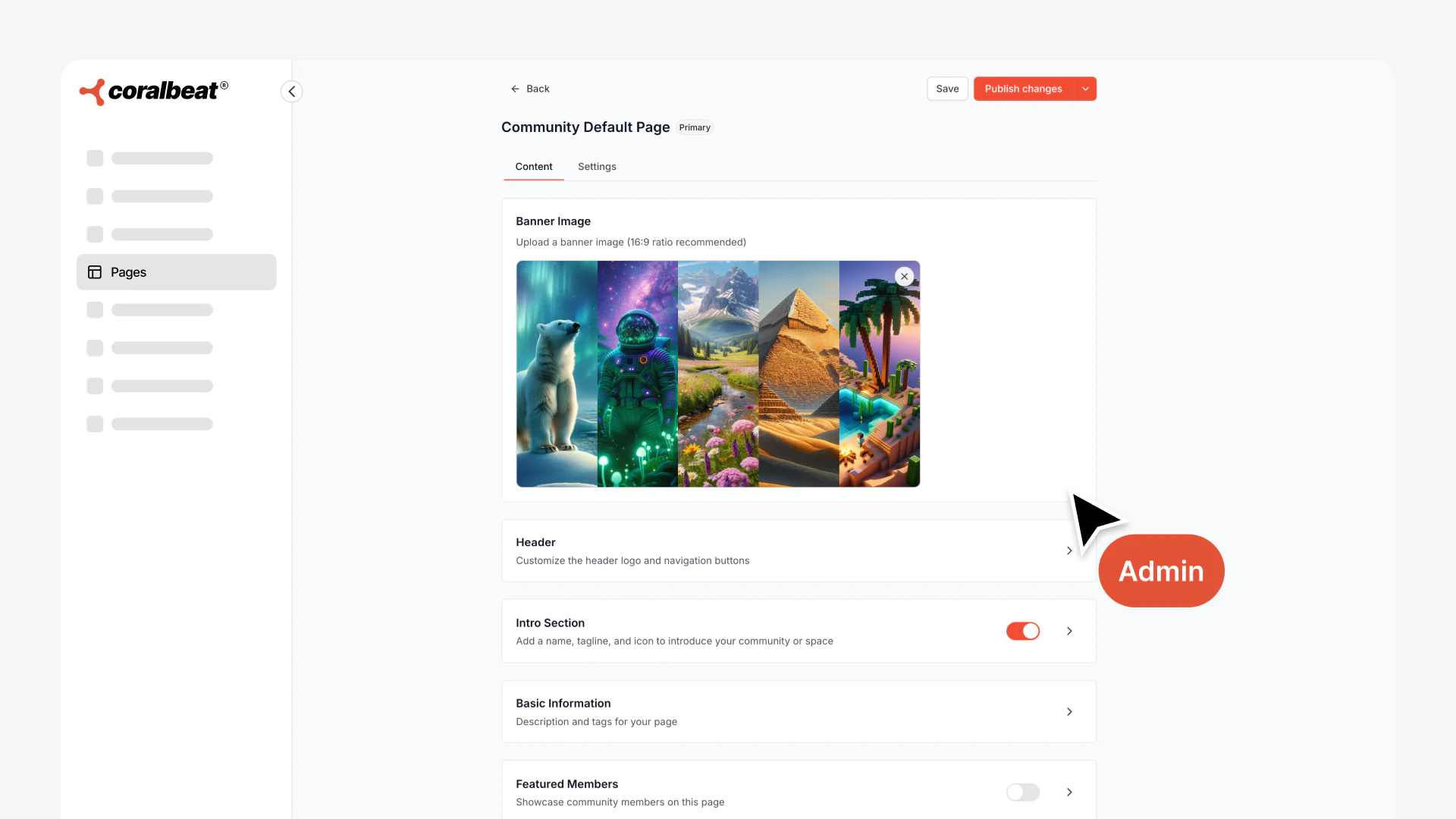
- Custom header and hero banner
- Intro section with logo, tagline, and organization name
- Description explaining what this audience will get
- Multiple content sections with titles, subtitles, and bullet points
- Featured people or proof points relevant to this audience
How This Helps You Grow Faster
Convert More Visitors: Targeted pages convert better than generic messaging. Visitors immediately see themselves reflected in the content.
Route to the Right Place: Connect each page to a Signup Form that places people into the appropriate Space automatically.
Test Quickly: Create dedicated pages for campaigns or partnerships in minutes. Test messaging without affecting your main customer experience.
Control Branding: Use consistent branding across pages, or customize for specific audiences and partnerships.
Real-World Examples
Creator with Multiple Offerings: You offer a free newsletter, a paid course, and 1-on-1 coaching. Create three pages, one for each audience, with messaging that speaks to where they are. Newsletter subscribers see the free access path. Course students see learning support and peer connection. Coaching clients see the premium experience.
E-Commerce Brand Converting Followers: Your Instagram has 50K followers but only 2K customers. Create a page specifically for followers that emphasizes exclusive content, customer stories, and early access to launches. Create a separate page for customers that emphasizes product support, tips, and return value after purchase.
Non-Profit with Multiple Volunteer Types: You need event volunteers, monthly donors, and advocacy champions. Each group needs different messaging. Create pages that speak to each volunteer type's motivations - time commitment for event volunteers, impact stories for donors, advocacy tools for champions. Route each to their dedicated Space.
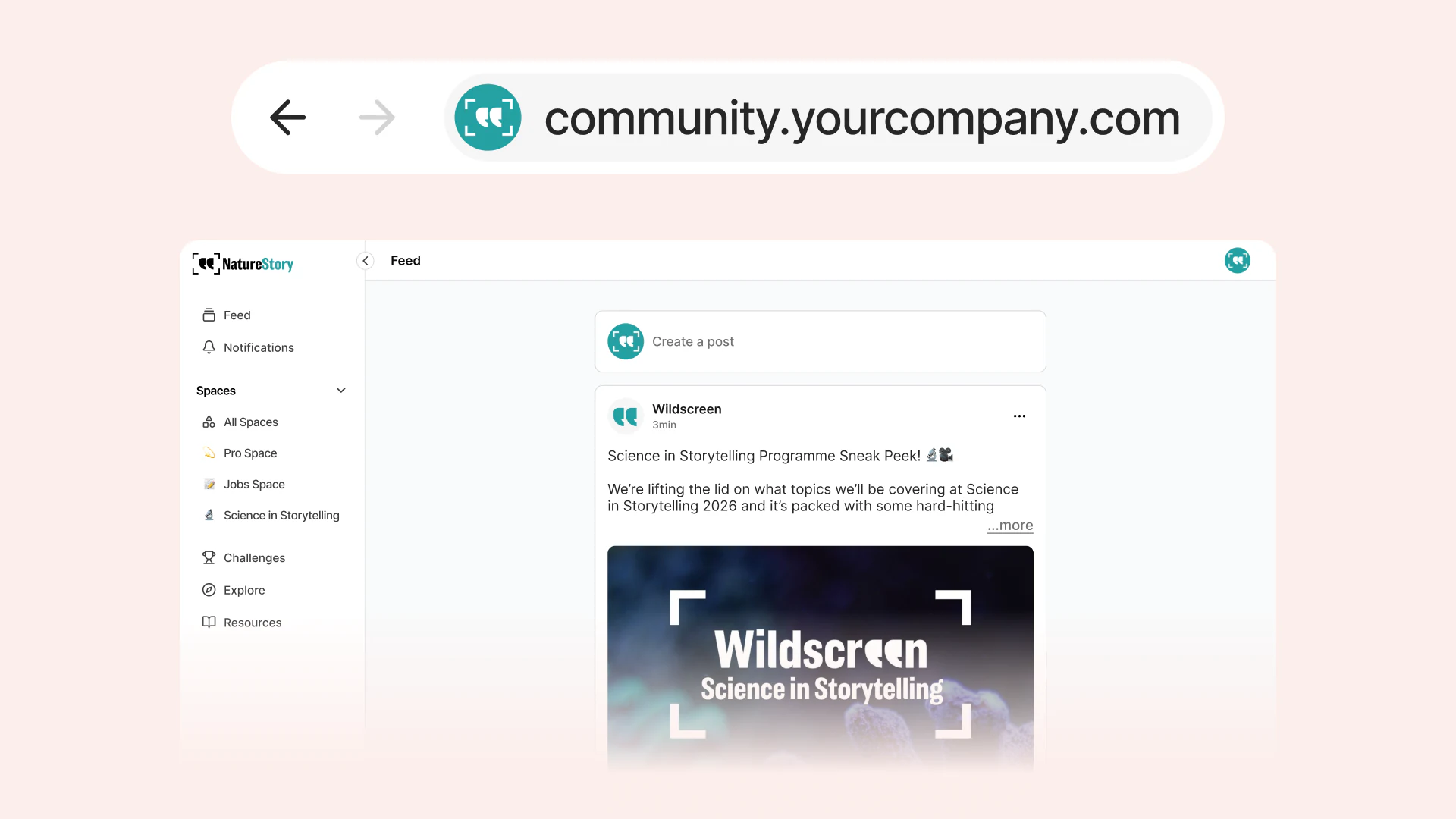
Regional Communities Under One Brand: Your organization has chapters across different cities. Create location-specific pages with local imagery, regional leaders featured, and city-specific messaging. Each page routes to that region's Space while maintaining your central brand.
Connecting to Forms and Spaces
Link each page to a Signup Form that places people into a specific Space.
Example: You launch a photography workshop and want all participants in the same Space. Create a "Photography Workshop" page with workshop-specific messaging, then link it to a form that automatically adds participants to your Photography Workshop Space.
Building Your First Page
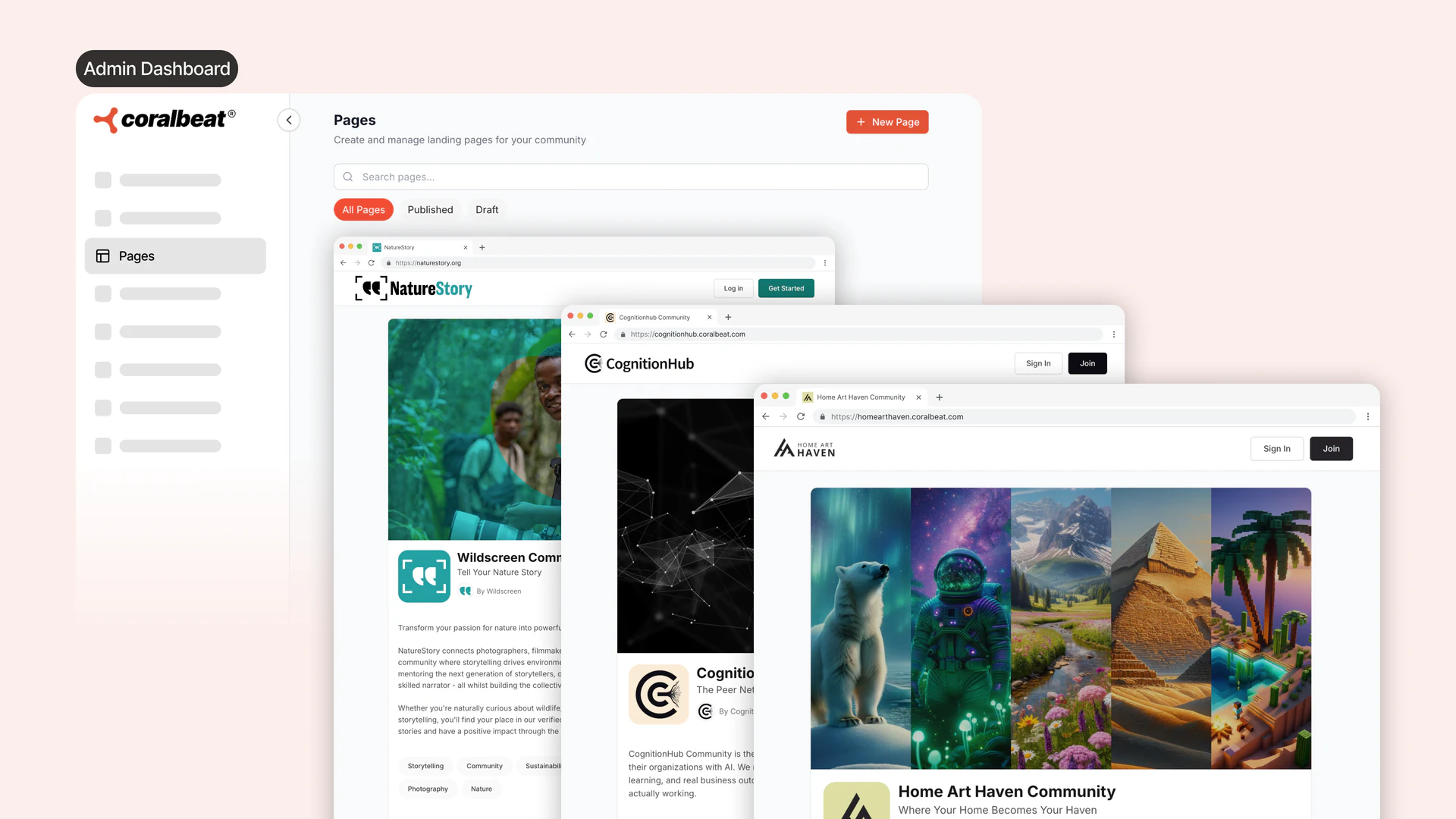
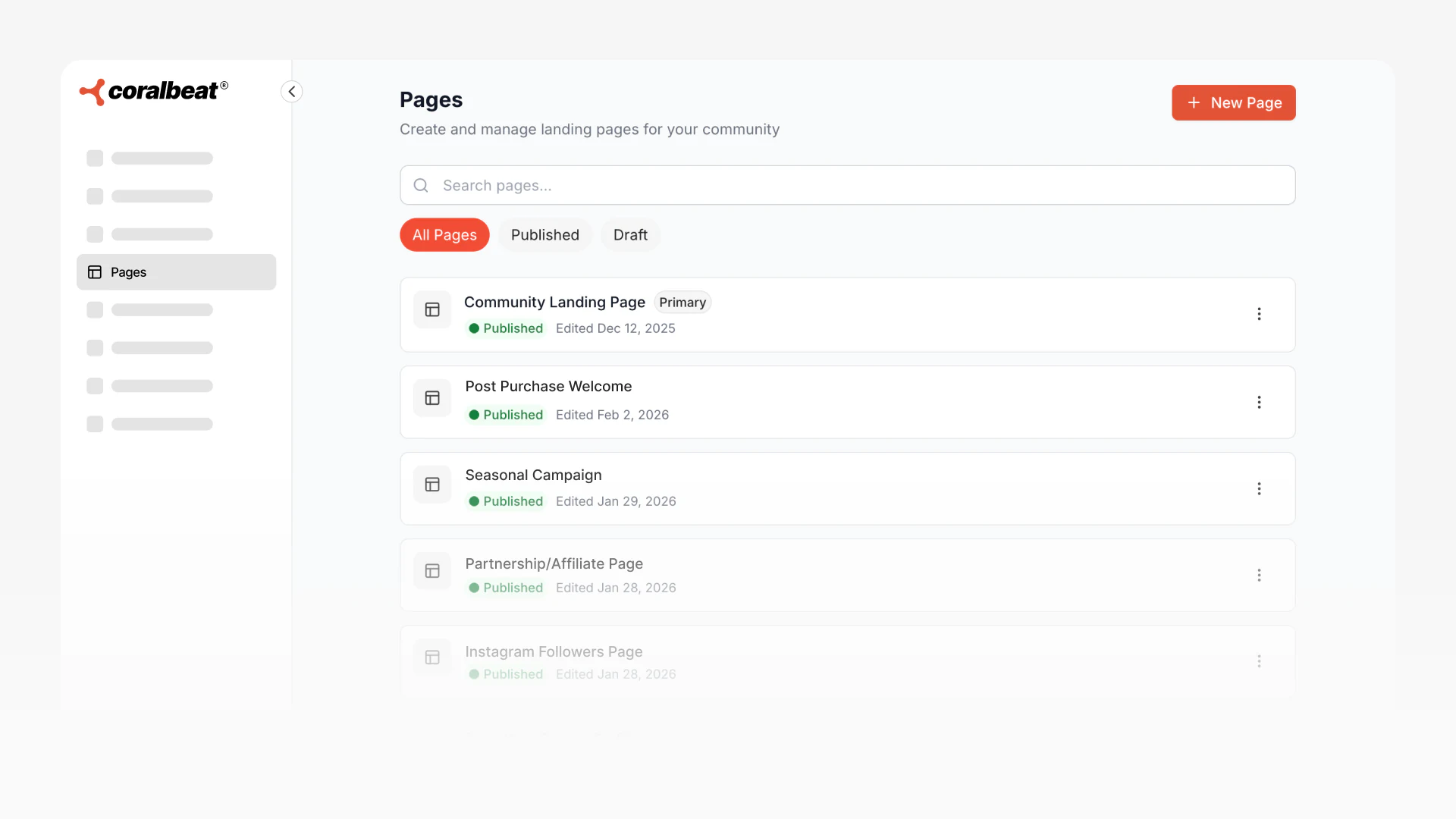
In your Admin Dashboard, navigate to Pages and click Create Page.
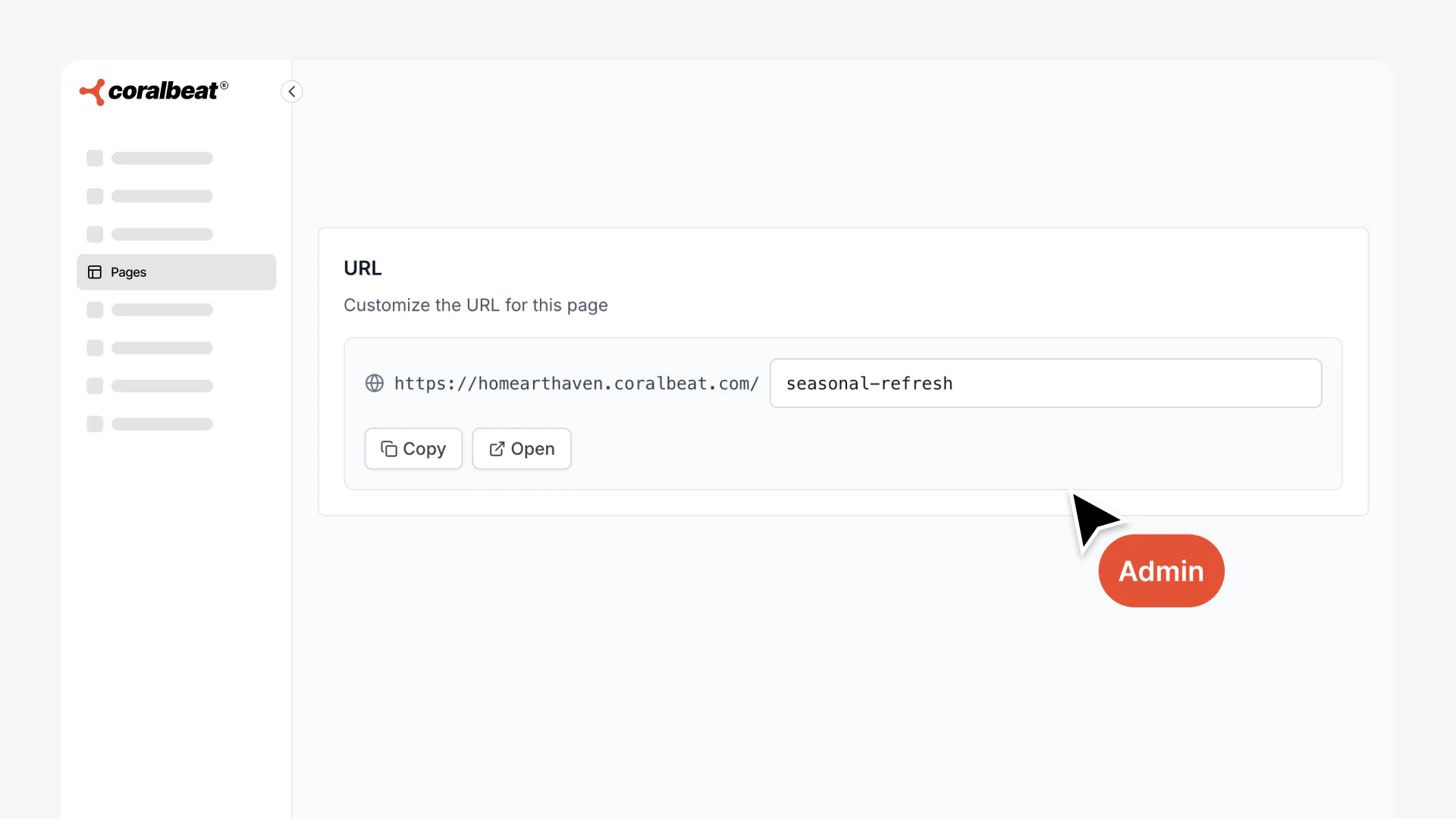
- Set your page name (internal use) and URL slug (e.g.,
/photography-students) - Add your header, banner, and intro section
- Write your description explaining what this audience gets
- Feature 3-5 relevant people, examples, or proof points
- Add content sections to highlight benefits or answer questions
Managing Your Pages
Set Your Primary Page: Mark a page as "primary" to make it your community's default homepage - perfect for your main audience or general value proposition.
Publish and Unpublish: Pages start as drafts. Publish when ready, unpublish when campaigns end. Content is saved for future reactivation.
Duplicate Pages: Clone existing pages to save time when creating similar pages for new audiences.
Edit Anytime: Update messaging, swap images, or refresh content without taking pages down.
Getting Started
Start with 2-3 pages:
- Primary page: General value proposition for your main audience
- Campaign page: Current growth initiative (course launch, partnership, regional expansion)
- High-value segment: Most engaged audience (customers, paying members, volunteers)
Add more pages as you expand to new audiences or launch new offerings. Navigate to Pages in your Admin Dashboard to create your first page.